
The DJ app
for your tablet and phone.
Your tablet or phone as your DJ screen, no laptop needed. Android tablets, iPhone and iPad: the same app, your rekordbox USB and the controller you already own.
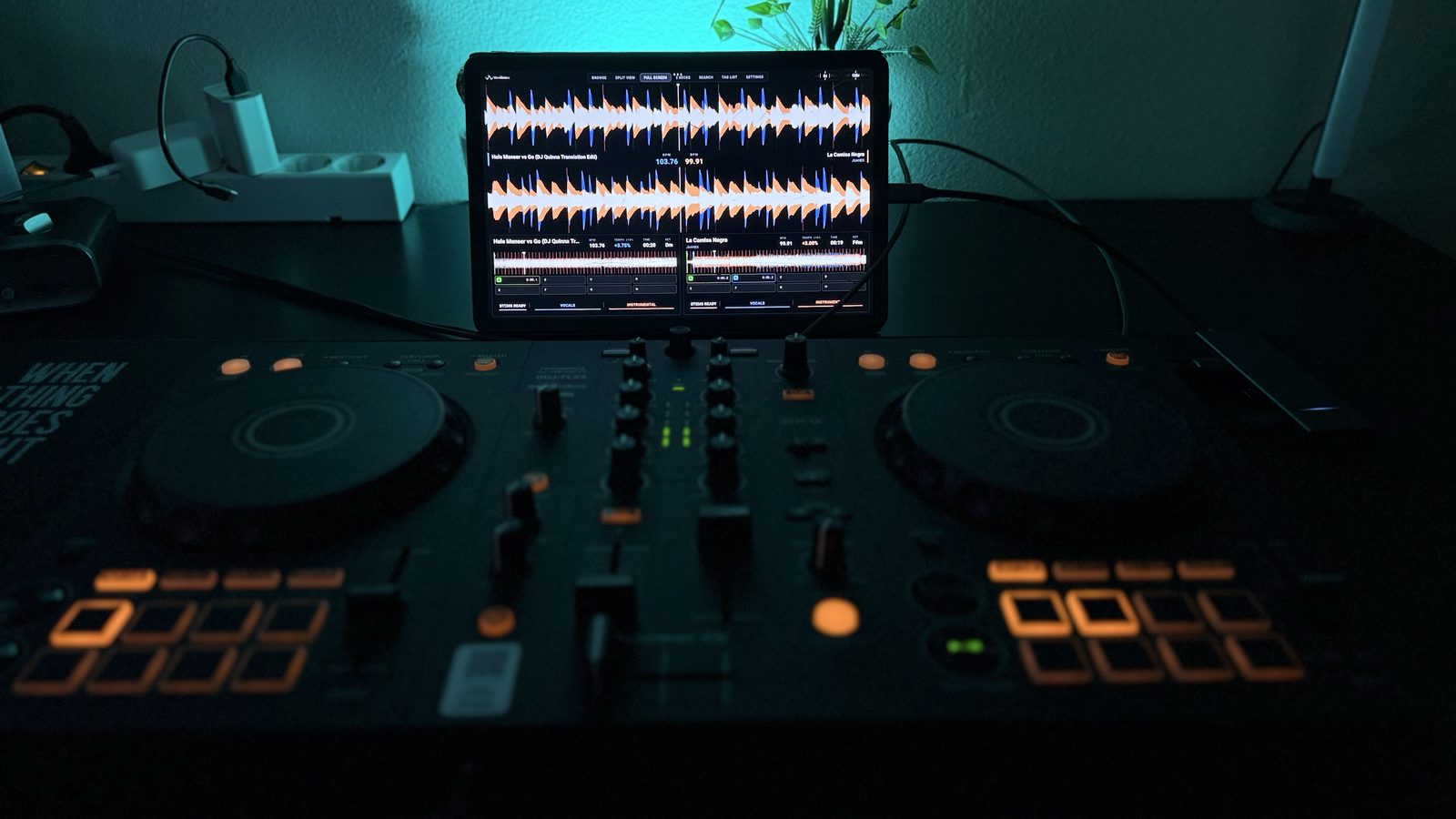
Your USB. Your controller.
No laptop.
The same steps on every device. Pick yours below.
Beta through Google Play
2 places left of 100 beta places
Android: an email with the Google Play link to the beta.
- 01
Open the Google Play link we email you and install the WaveCoreDJ beta.
- 02
Connect your controller and USB stick through a USB-C hub with enough power.
- 03
Using OneLibrary? Export your rekordbox collection as XML to the USB root first, with the music files available. Pick your USB as the source, open a playlist and load a track.
Connect your controller and USB stick directly through a USB-C hub. Pioneer DJ controllers work with the built-in mappings; any other MIDI controller you map yourself in SETTINGS > CONTROLLER > MIDI LEARN.
Tested on a Lenovo Tab M11 and a Samsung tablet. Open-Unmix separates vocals and instrumental. How fast depends on your tablet.
Beta through TestFlight
3 places left of 100 beta places
iPhone and iPad: install Apple's TestFlight app from the App Store first, then open the invitation we email you.
- 01
Install TestFlight from the App Store, then open the beta invitation we email you.
- 02
Plug in your controller over USB-C.
- 03
Using OneLibrary? Export your rekordbox collection as XML to the USB root first, with the music files available. Open your USB in WaveCoreDJ and check the audio output before playing.
iPhone 15 and newer and iPads with USB-C take the controller directly by cable or hub. Devices with a Lightning port connect through the bridge, or pair a Bluetooth controller (such as the DDJ-FLX4 or DDJ-200) in Settings > CONTROLLER > Bluetooth MIDI; the sound then plays from your iPhone or iPad.
Tested on iPhone 16 Pro and iPad. Your own music and your controller, on the go too. Open-Unmix separates vocals and instrumental on your iPhone or iPad.
Your controller.
Your controls.
Some controllers we have played ourselves, the rest is new on the list: tell us how they work. Any other MIDI controller: map it yourself in SETTINGS > CONTROLLER > MIDI LEARN.
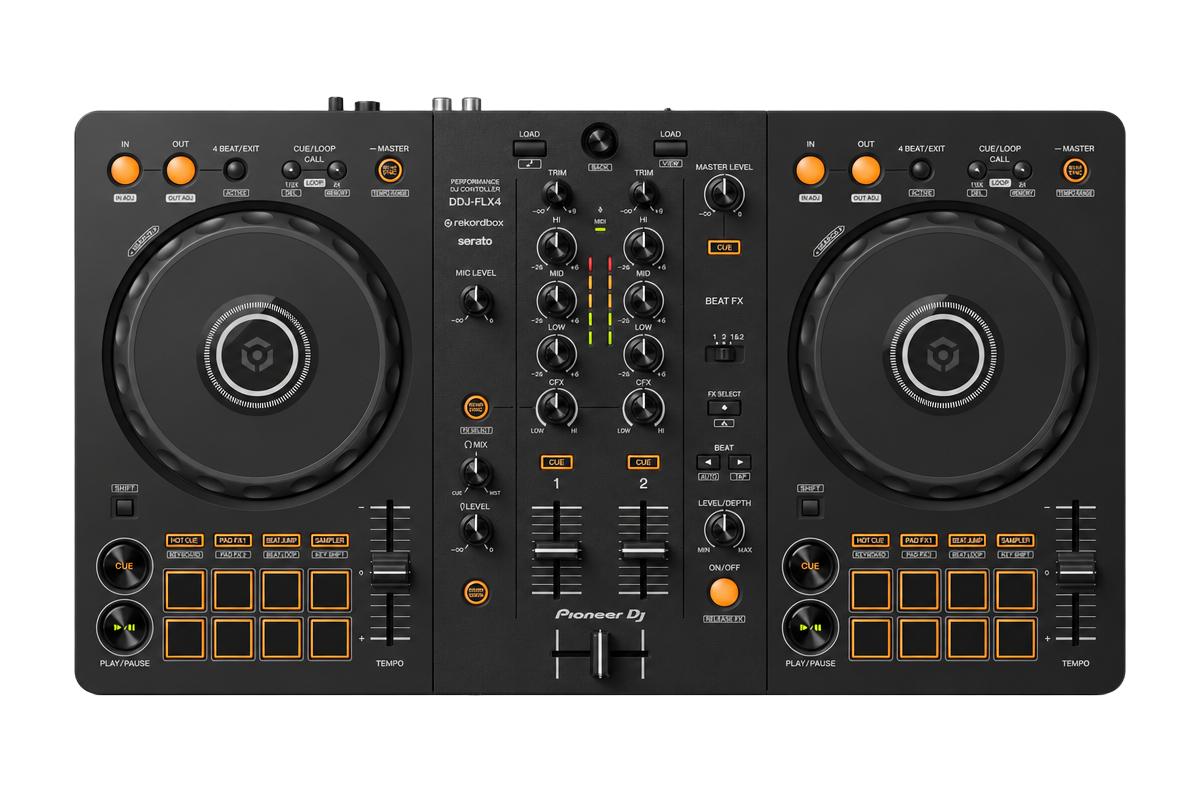
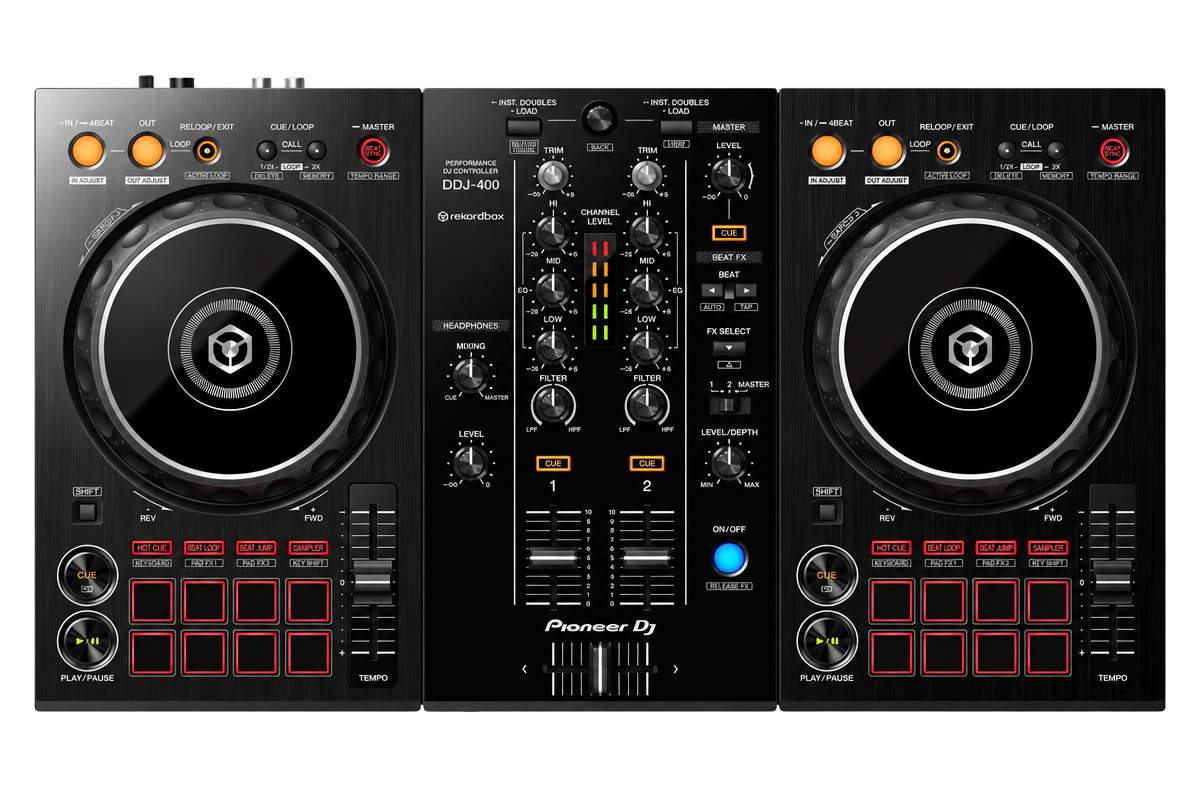
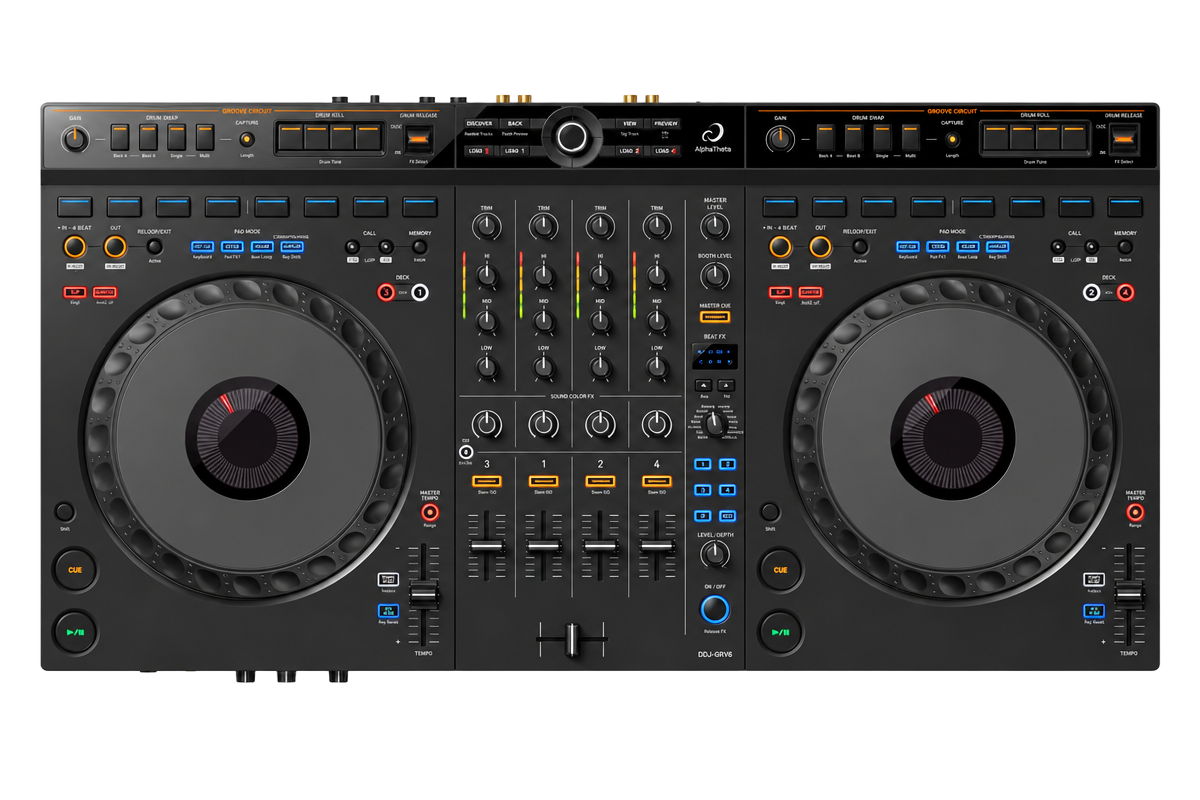
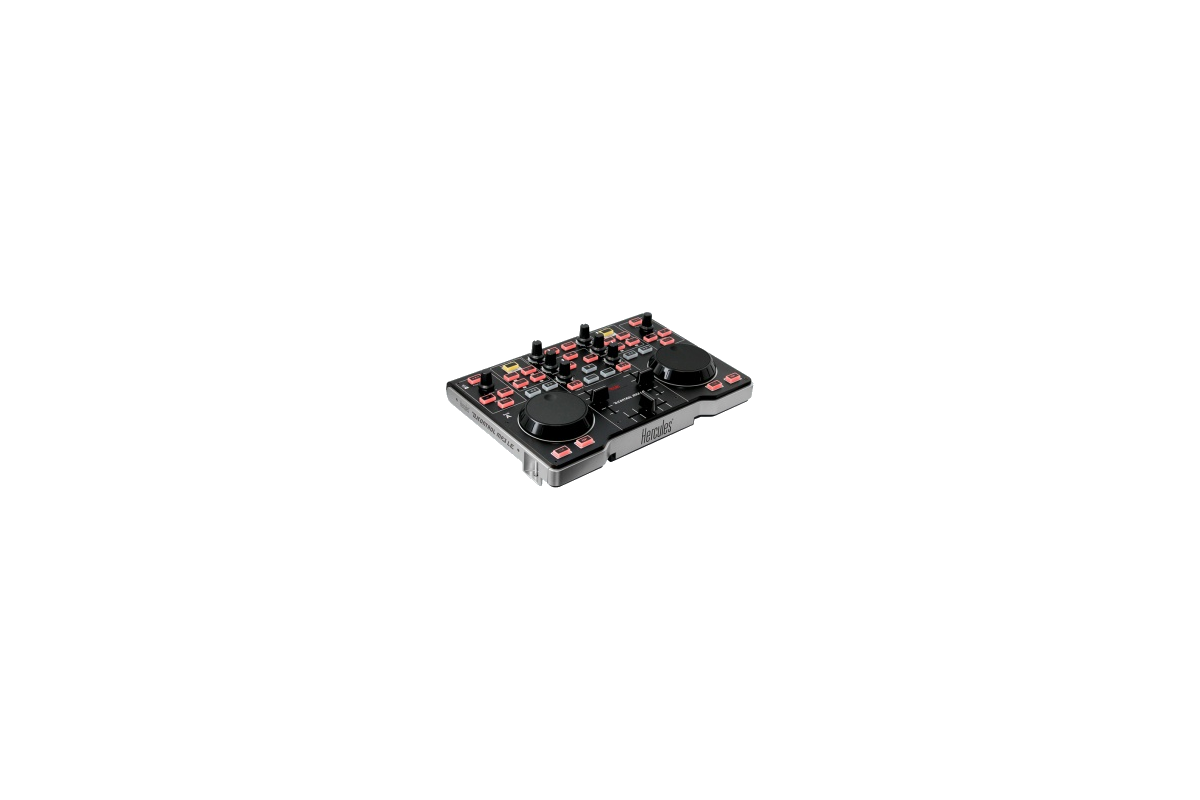
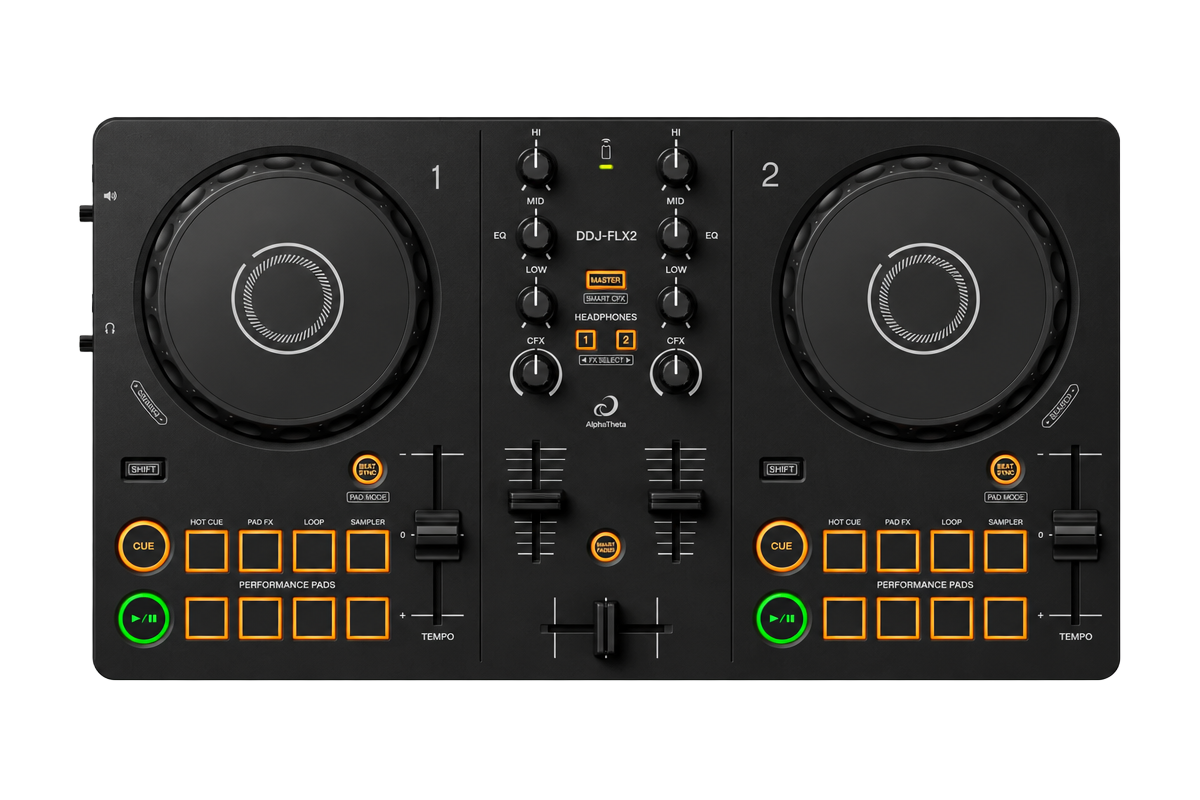
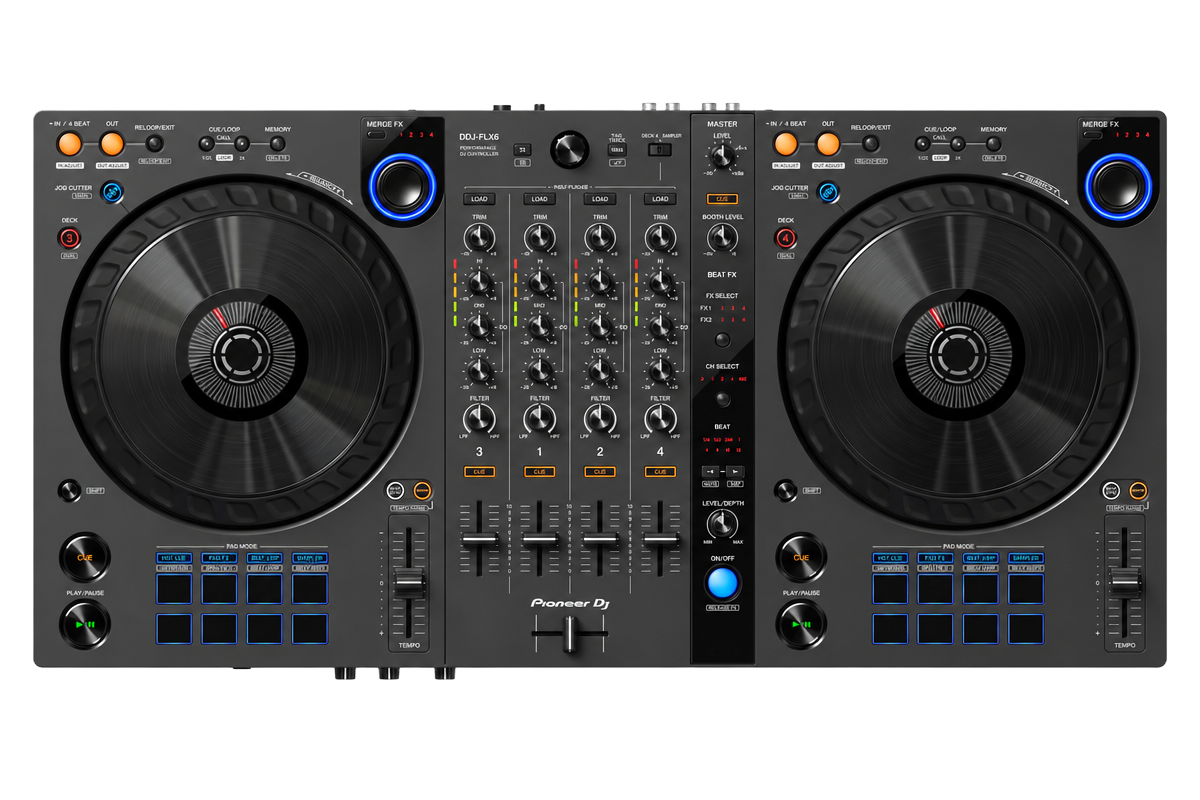
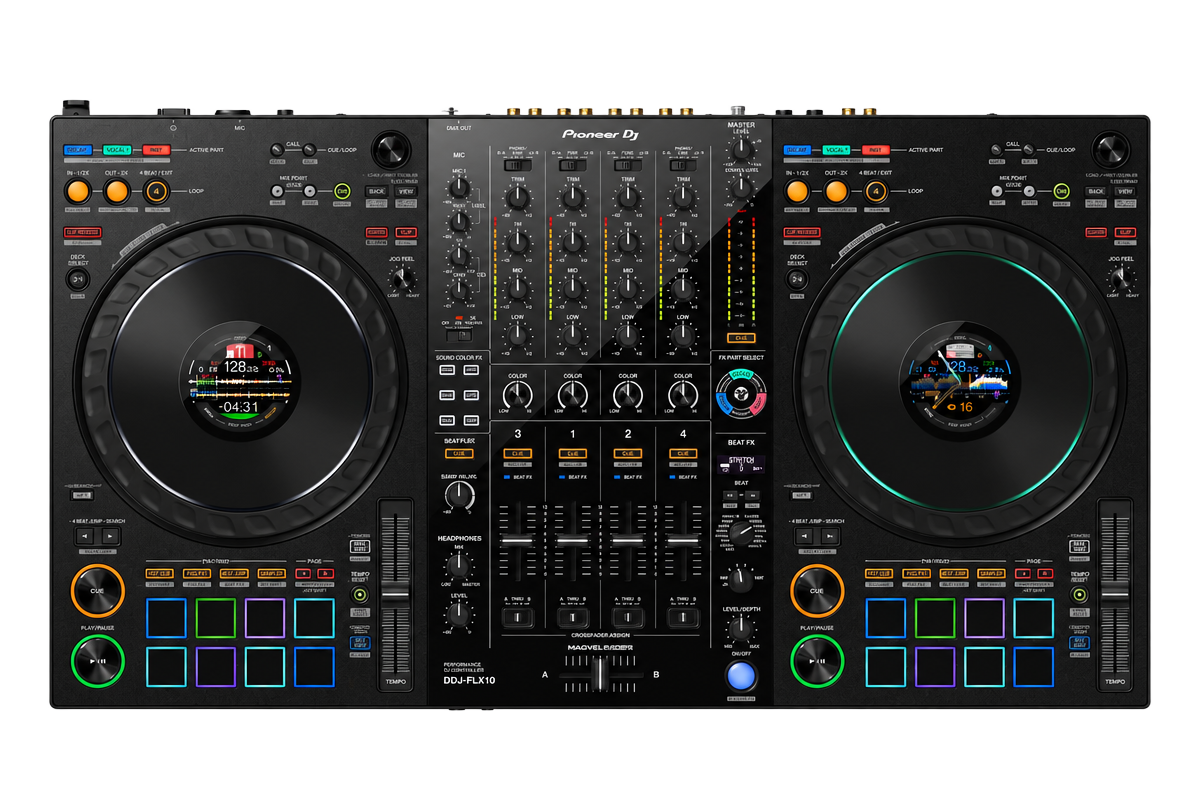
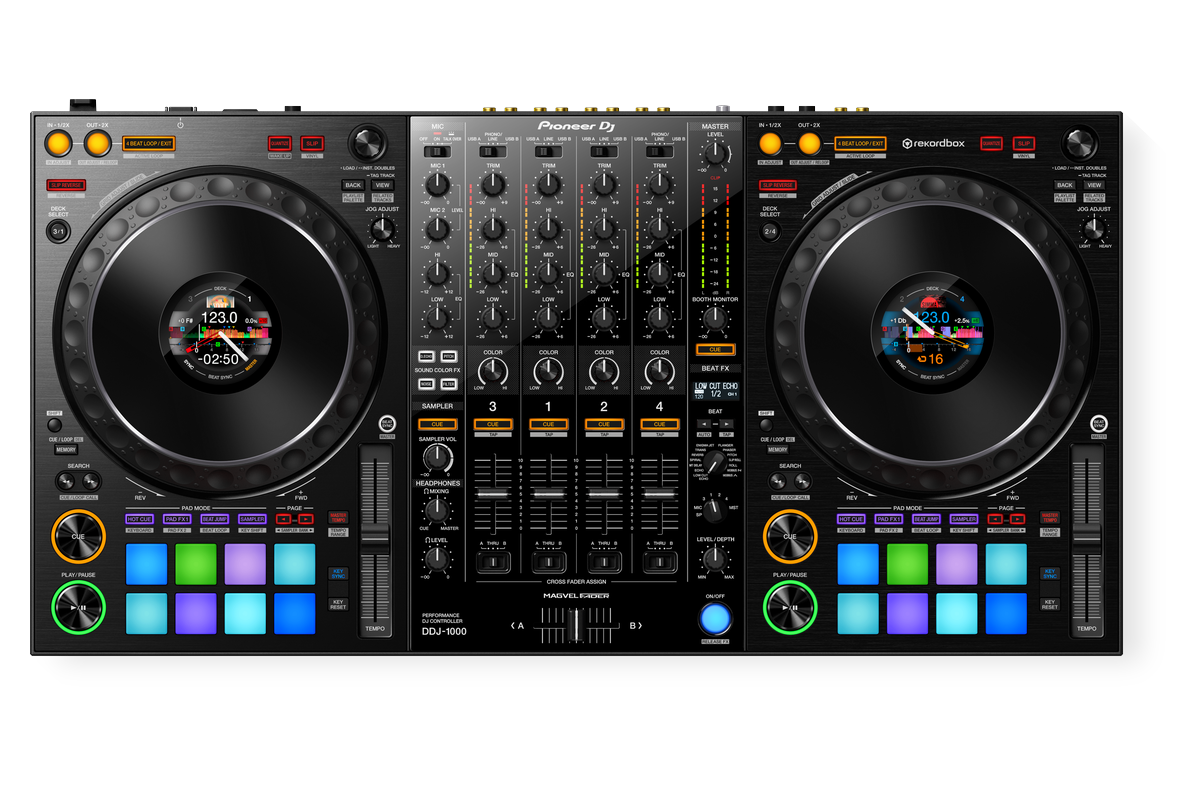
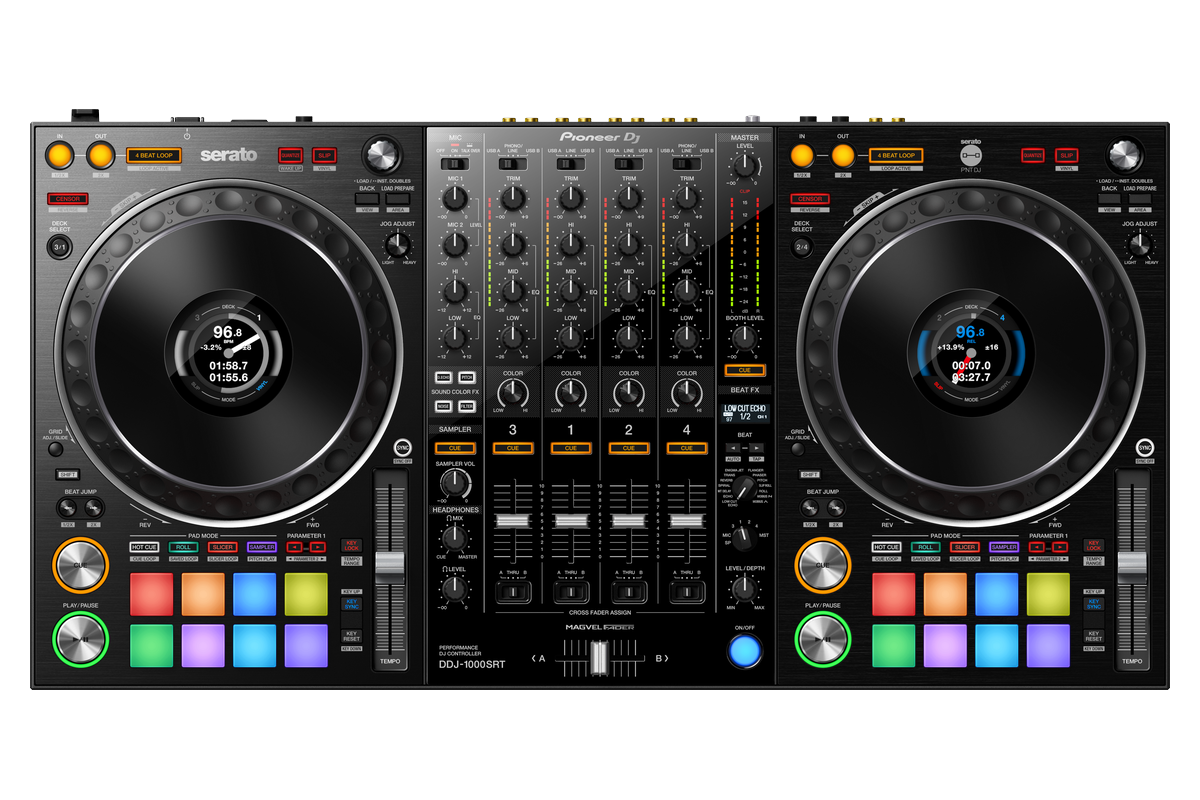
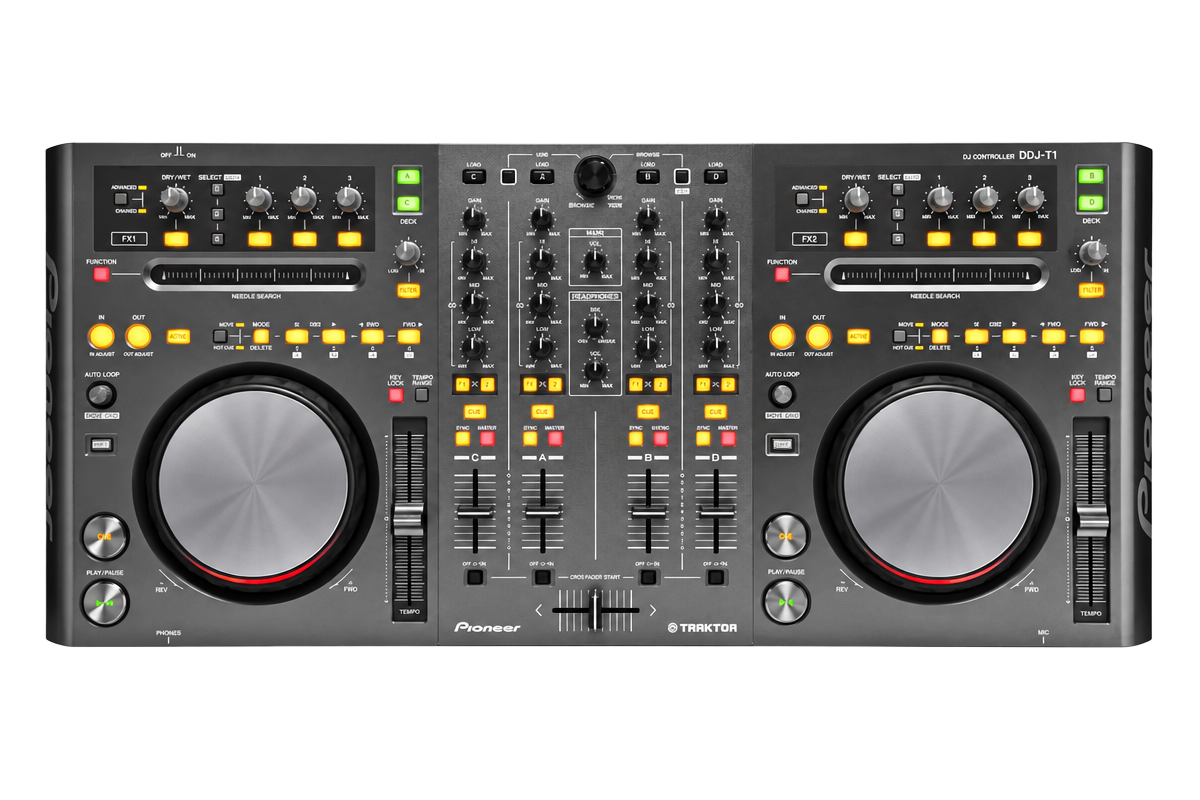
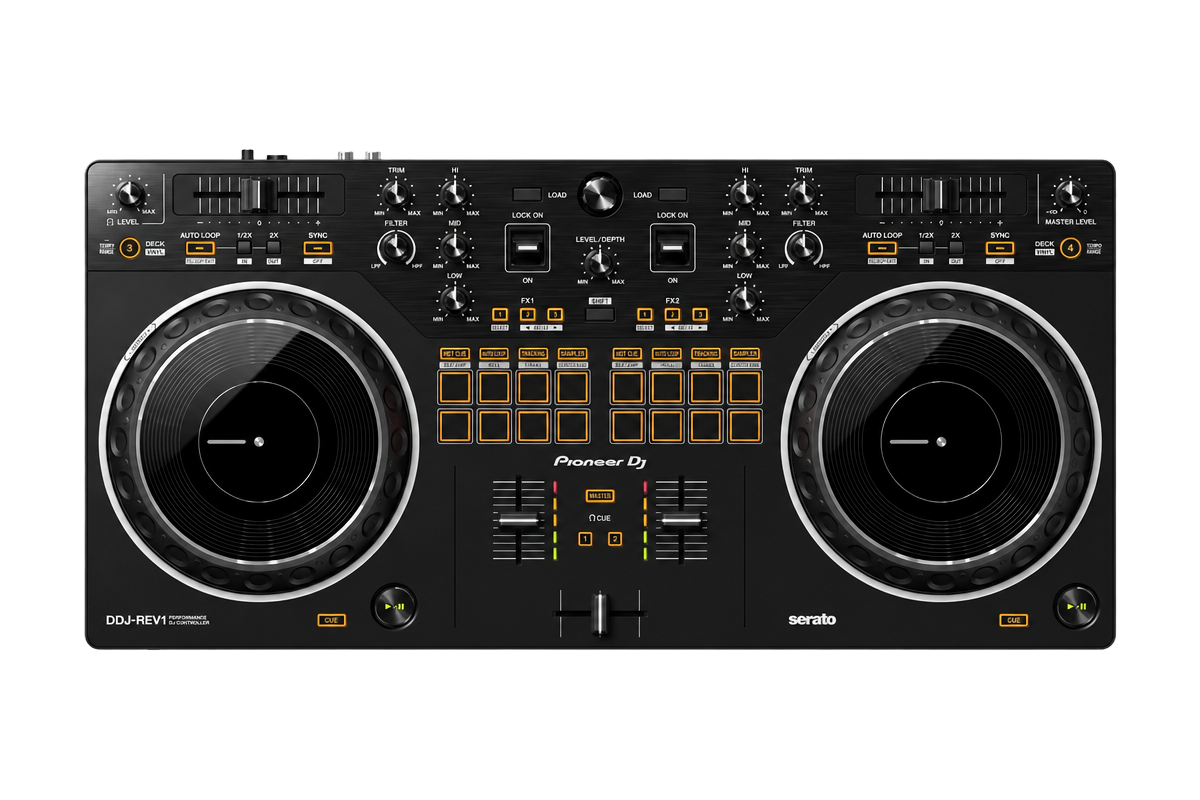
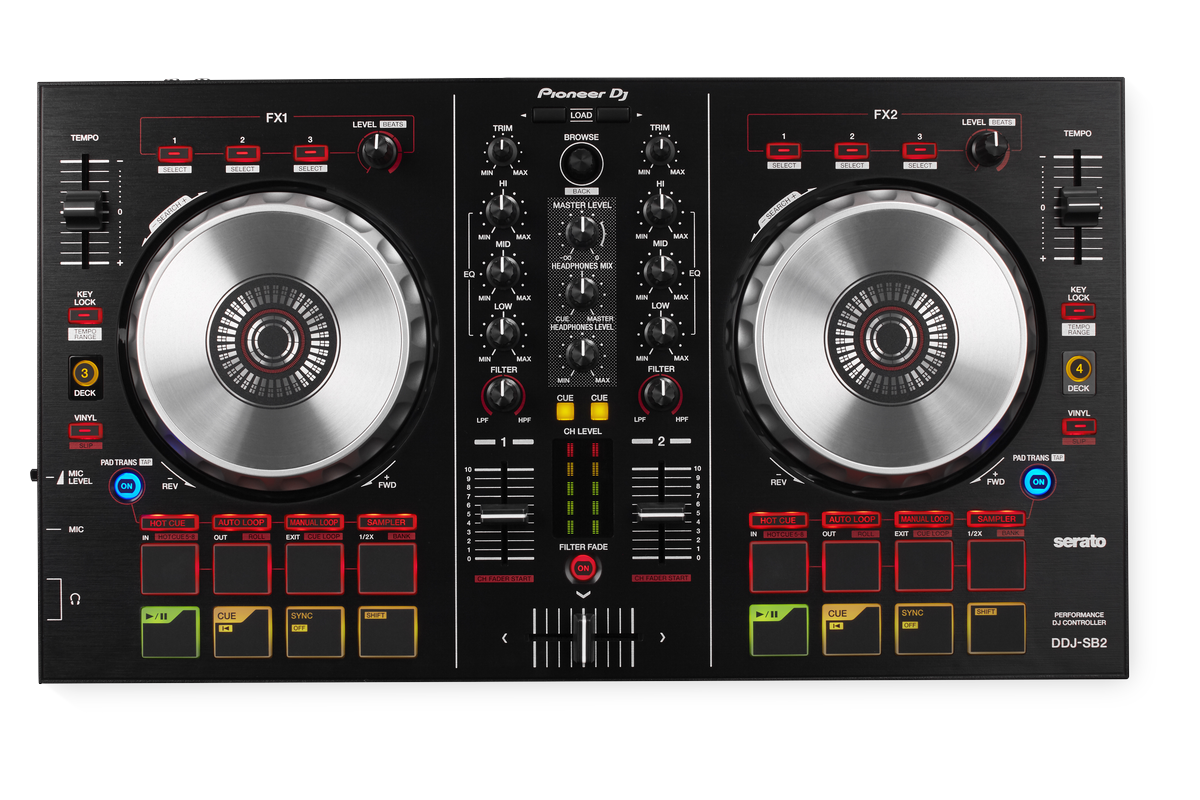
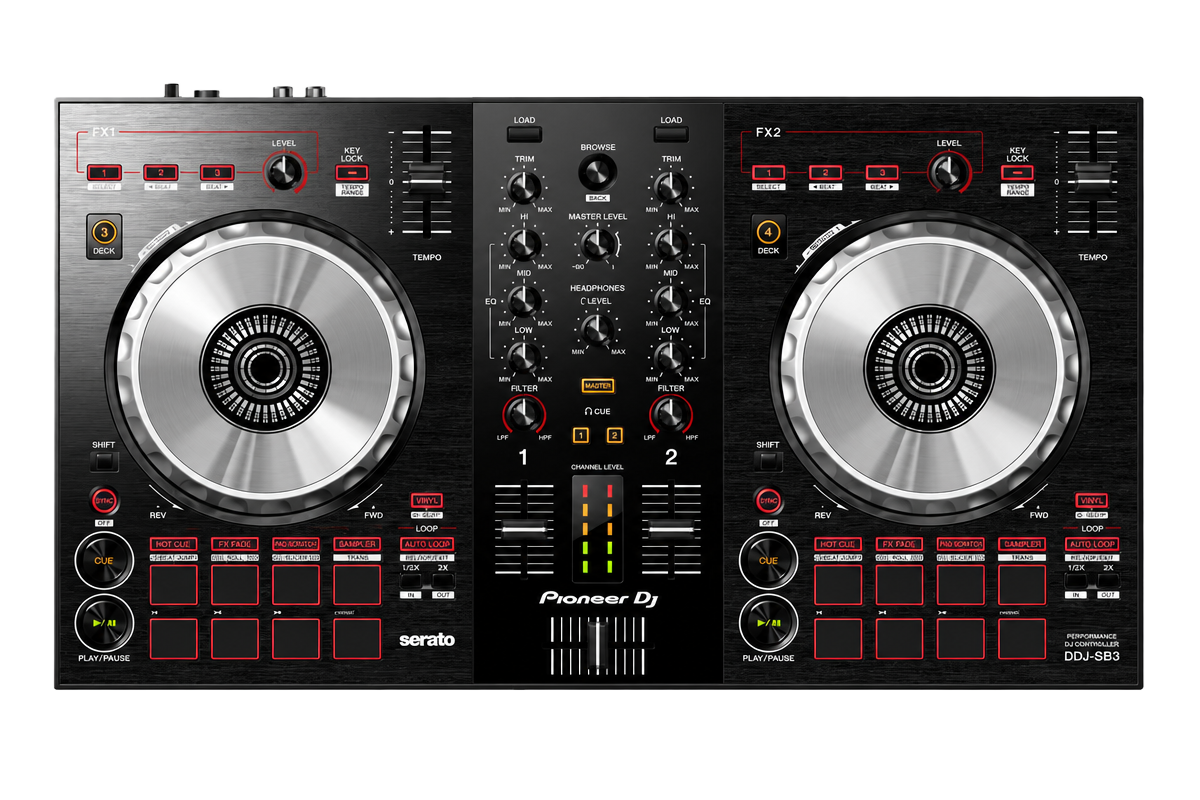
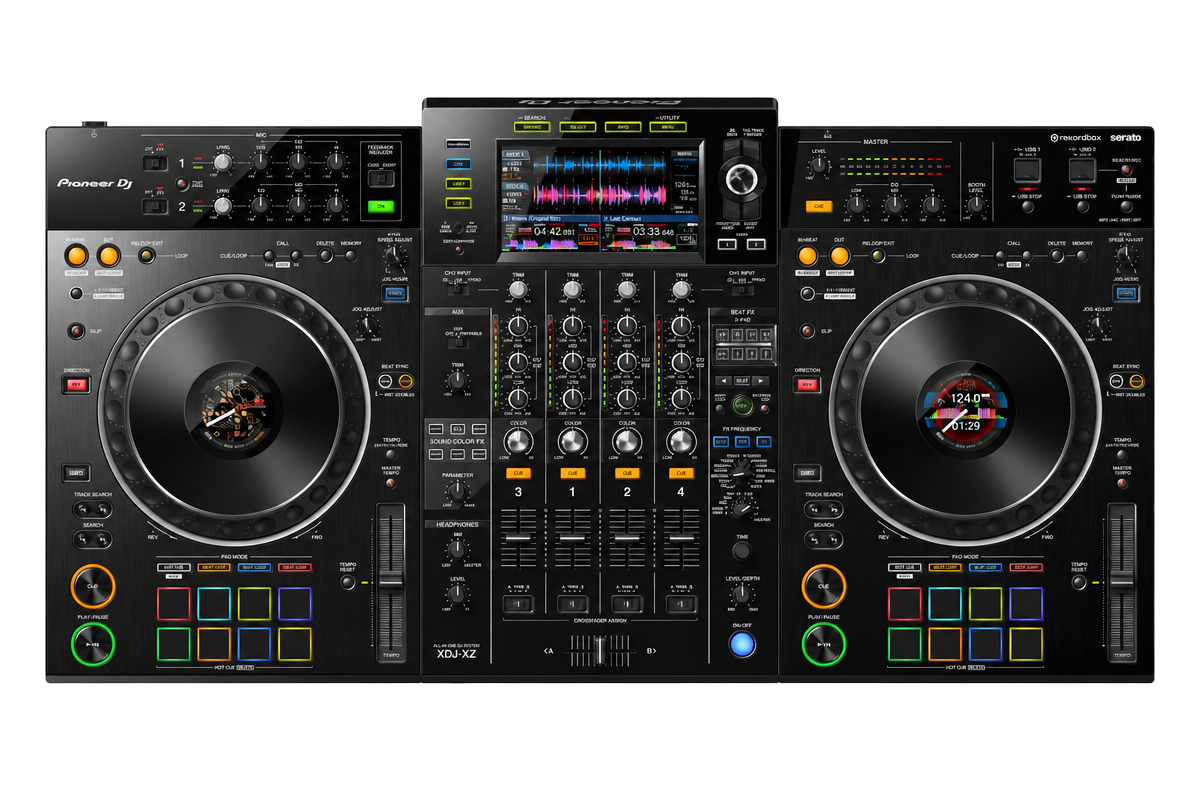
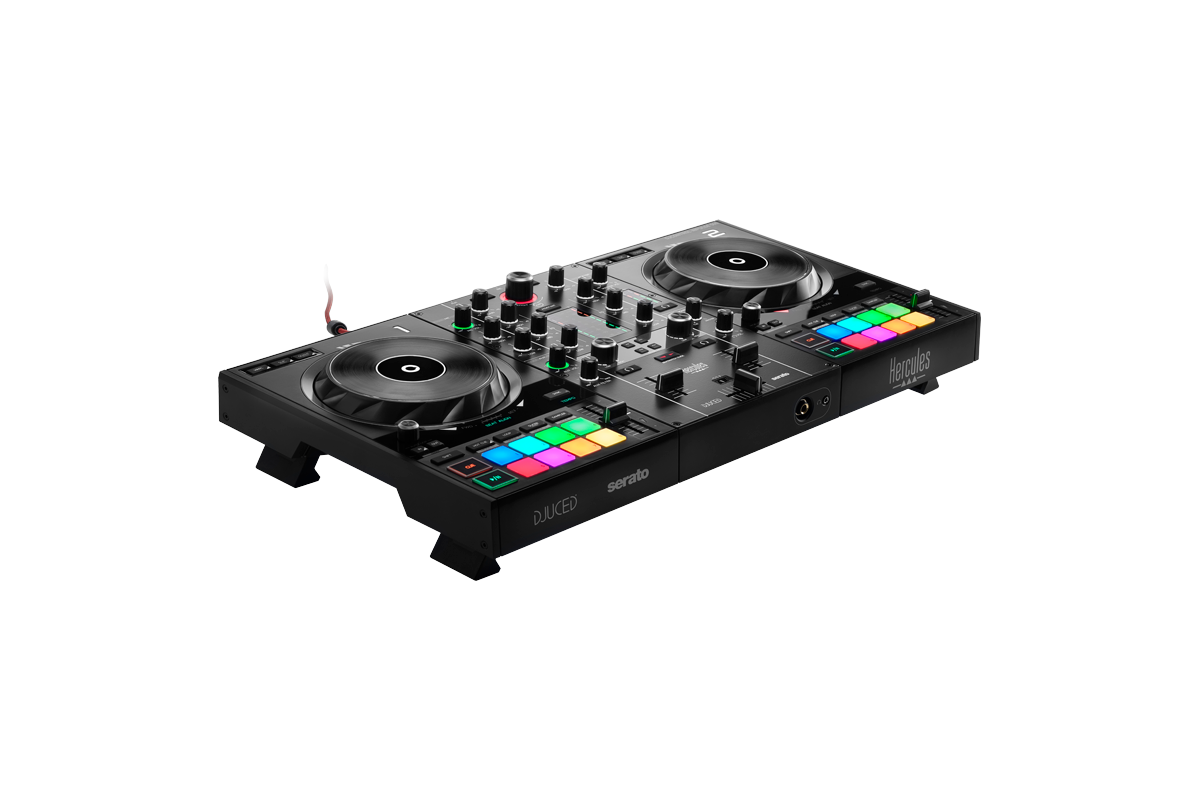
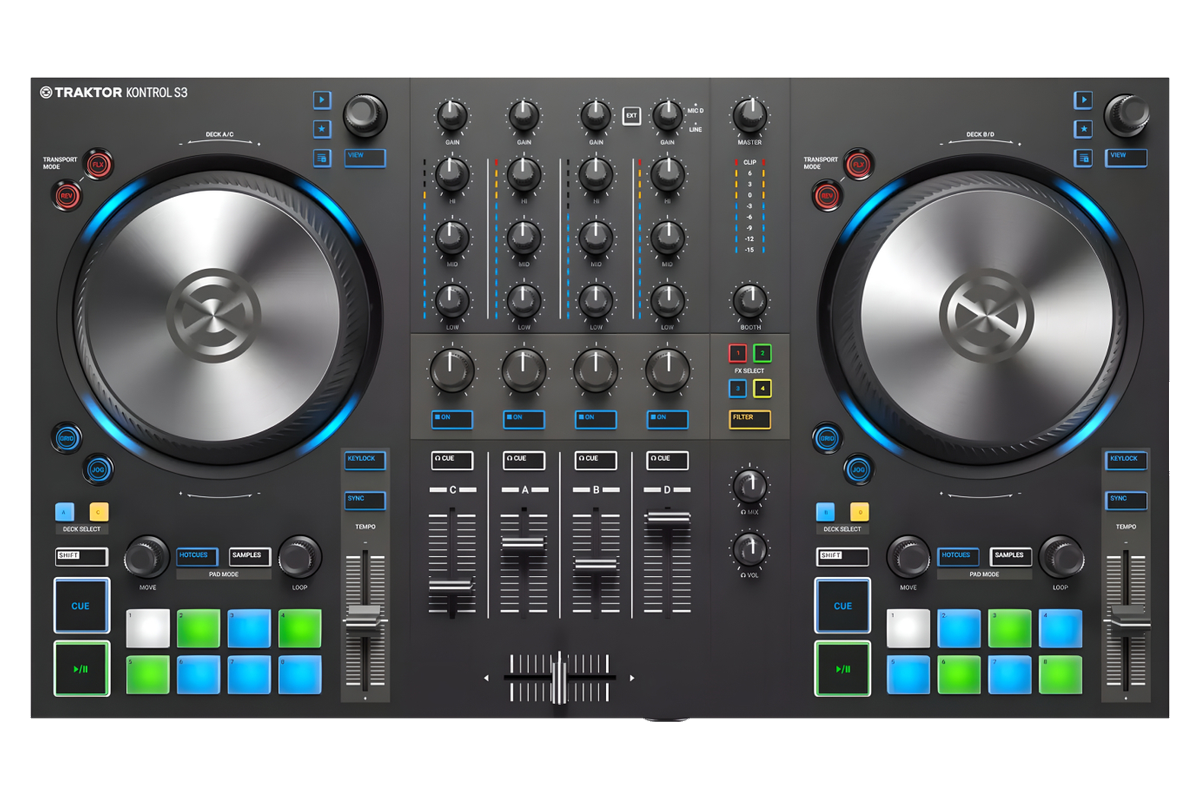
iPhone 15 and newer and iPads with USB-C take the controller directly by cable or hub. Devices with a Lightning port connect through the bridge.
Built-in mappings for the Pioneer DJ controllers listed here, written from Pioneer DJ’s own official MIDI lists. Any other MIDI controller: map it yourself in SETTINGS > CONTROLLER > MIDI LEARN. Missing yours? Put it on the wish board.
Your library.
Straight from USB.
Direct OneLibrary / Device Library Plus access is not available yet. Export your collection from rekordbox as XML instead, save it at the top level of your USB drive, and open that USB in WaveCoreDJ. Keep the music files available too: XML describes your library; it does not contain the audio or stored waveforms.
See the rekordbox XML export steps- rekordbox
- Engine DJ
- Serato
- Traktor
- VirtualDJ
- Plain music folders
Does it run
on your device?
WaveCoreDJ is a real-time DJ app: it plays and analyses two or more tracks at once and draws moving waveforms 60 times a second. That needs a reasonably modern device.
- Android 9 or later, 64-bit
- 4 GB RAM recommended (3 GB minimum)
- An 8-core processor (for example Snapdragon 6, 7 or 8 series, MediaTek Helio G80 or better, Dimensity)
- Lowest latency with a DJ controller: Pioneer DDJ-FLX4, DDJ-FLX2, DDJ-400, DDJ-SB2, AlphaTheta DDJ-GRV6
- iOS / iPadOS 17 or later (iPhone XR and newer, iPad 7th generation and newer)
- DJ controllers connect directly on devices with USB-C
- Devices with less than 3 GB of RAM or a 4-core processor
- Amazon Fire tablets: they have no Google Play, and their audio delay (around 200 ms) is too long for mixing
On lighter devices WaveCoreDJ automatically draws at 30 frames a second to stay smooth. If your device is below these requirements, the app may still open, but playback and the screen will not be reliable enough for a set. Questions? support@wavecoredj.com
Android and iOS,
answered.
Is WaveCoreDJ a DJ app for Android and iOS?
Yes. WaveCoreDJ runs on Android tablets (beta through Google Play) and on iPhone and iPad (beta through TestFlight). Sign up on the beta page and we email you an invitation.
Can I play my rekordbox USB on an Android tablet?
Yes. Plug in the USB stick you exported from rekordbox and WaveCoreDJ reads your playlists, hot cues, memory cues, loops, beatgrids and waveforms. OneLibrary / Device Library Plus users must export their rekordbox collection as XML to the USB root first. XML does not contain audio or stored waveforms. Engine DJ, Serato, Traktor and VirtualDJ libraries and plain music folders work too.
How do I bring my OneLibrary collection to Android?
Direct OneLibrary / Device Library Plus access is not available yet. Export your collection from rekordbox as XML instead, save it at the top level of your USB drive, and open that USB in WaveCoreDJ. Keep the music files available too: XML describes your library; it does not contain the audio or stored waveforms.
Does the Pioneer DDJ-FLX4 work with an Android tablet?
Yes. The DDJ-FLX4 is tested on real hardware with WaveCoreDJ on Android. Connect it and your USB stick through a USB-C hub; the controller's own sound card plays the master and your headphone cue.
Which DJ controllers work on Android?
Tested on real hardware: Pioneer DDJ-FLX4, Pioneer DDJ-400, AlphaTheta DDJ-GRV6, Hercules DJControl MP3 LE and Pioneer DDJ-FLX2. New on the list, please tell us how they work: Pioneer DDJ-FLX6, Pioneer DDJ-FLX10, Pioneer DDJ-1000, Pioneer DDJ-1000SRT, Pioneer DDJ-T1, Pioneer DDJ-REV1, Pioneer DDJ-200, Pioneer DDJ-SB, Pioneer DDJ-SB2, Pioneer DDJ-SB3, Pioneer XDJ-XZ, Hercules DJControl Inpulse 500 and Traktor Kontrol S3. Any other MIDI controller: map it yourself in SETTINGS > CONTROLLER > MIDI LEARN.
Which Android tablets does it run on?
Tested on a Lenovo Tab M11 and a Samsung tablet. During the beta we want to hear how it runs on yours: mention your tablet when you sign up.
Can it separate stems on Android?
Yes, vocals and instrumental. Open-Unmix separates vocals and instrumental. How fast depends on your tablet.
Is there an iPhone and iPad version?
Yes. The same app runs on iPhone and iPad, in a free beta through TestFlight. iPhone 15 and newer and iPads with USB-C take the controller directly by cable or hub. Devices with a Lightning port connect through the bridge, or pair a Bluetooth controller (such as the DDJ-FLX4 or DDJ-200) in Settings > CONTROLLER > Bluetooth MIDI; the sound then plays from your iPhone or iPad.
What does it cost?
The beta is free and testers keep the app. At launch, WaveCoreDJ Mobile covers Android tablets, iPhone and iPad; prices follow at launch.
Your device. Your next set.
Test WaveCoreDJ on your own Android tablet, iPhone or iPad before launch and keep the app for free.